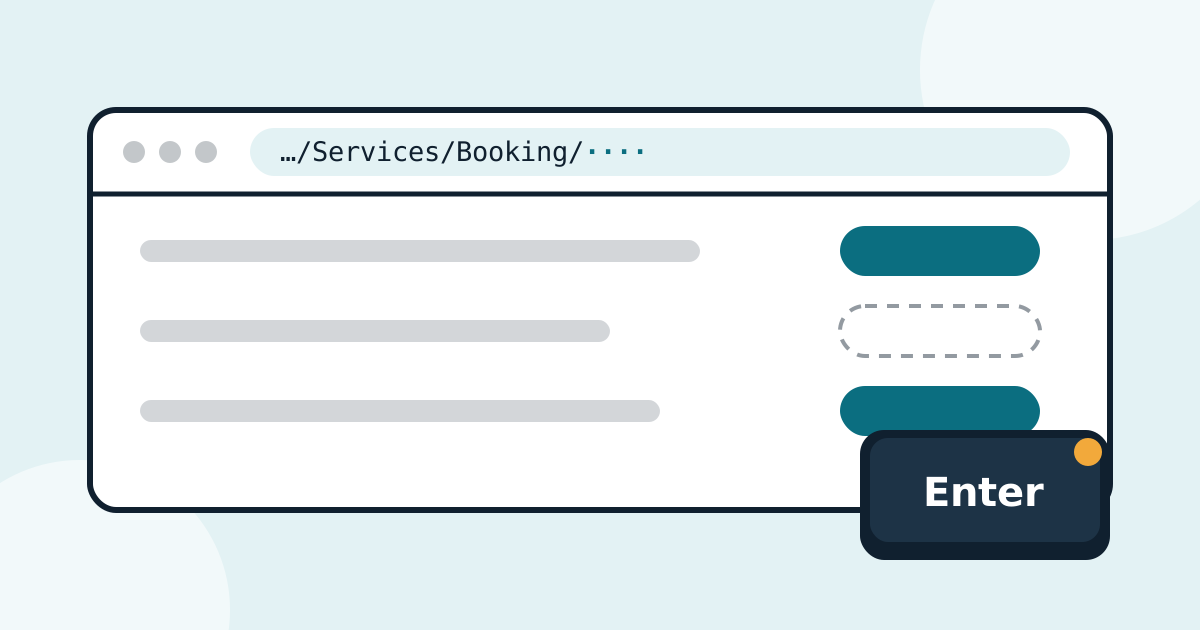
Lately we have noticed that the São Paulo consulate, and a few others, sometimes shows the button for certain services, such as the passport, only at the moment the slots are released. When that happens, anyone waiting for the button to appear loses precious time. This article shows how to get straight to the form, without depending on that button.
Before you start: the simplest way is to use GrabMyTurn, which shows all the services on screen, including the hidden ones, and you click the passport one like any other. If you cannot install it (for example, because you do not use Windows), follow the step-by-step below: it works in any browser.
When the passport button does not show up
In recent weeks, the passport button was not showing up before opening time: the service stayed in the list without the “Book” button (labeled “Reservar” in the Portuguese interface), which only appeared after the slots were released, at 4:00 PM, for example. It is not always like this, but it can happen. If you log in to book and do not see the passport buttons, follow the procedure below to save time.
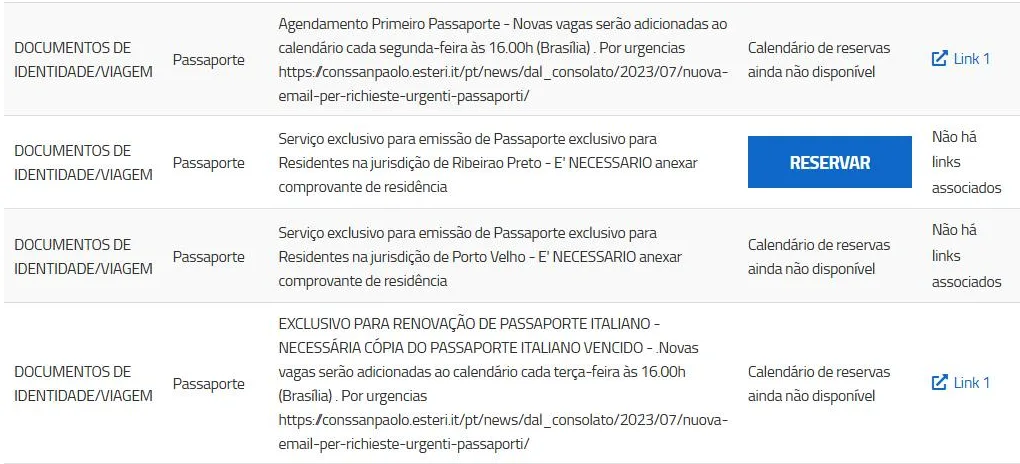
In the image, the first passport (at the top) and the renewal (below) do not have the “Reservar” (“Book”) button yet. In its place appears the phrase “Calendário de reservas ainda não disponível”, which means the booking calendar is not available yet.
In practice, when this happens, you have to refresh the screen at opening time for the button to appear, and only then click it to open the form. That is extra seconds, precisely at the moment when every second decides who gets the slot.
Unfortunately, we do not know why the São Paulo consulate has been doing this. If the idea is to make life harder for the professionals who book for third parties, the effect has been the opposite: the ones who lose the most time are ordinary users, who book on their own.
The solution: the direct link to the service
Every “Book” button is actually a link. It leads to the address of the service form, which ends with a number: the service code. If you have the passport address ready, you can open the form directly, without going through the services screen and without waiting for the button to appear.
Step by step
-
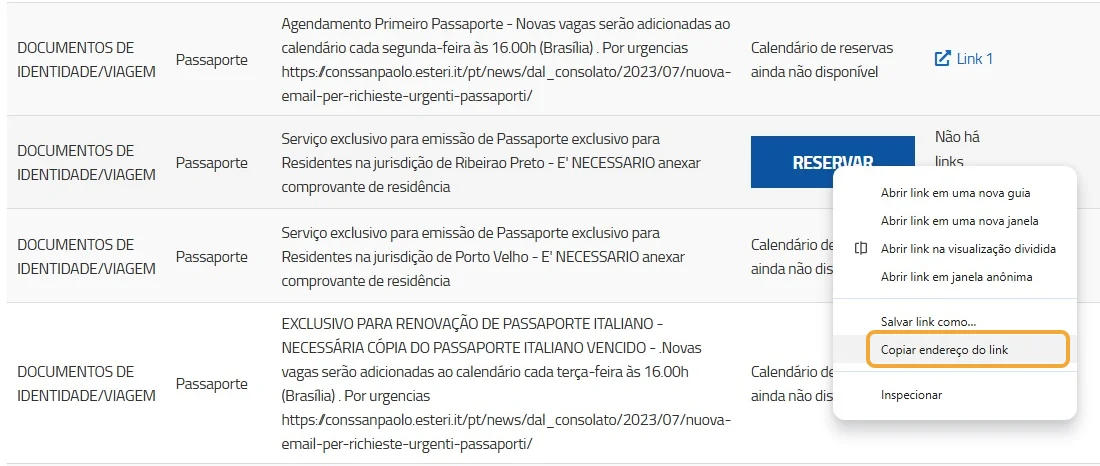
On the services screen, right-click the “Reservar” (“Book”) button of any other service that is available and choose “Copiar endereço do link” (the browser’s “Copy link address” option).
-
Open a new tab (Ctrl+T) and paste the address (Ctrl+V). Do not press Enter.
-
At the end of the address, replace the number with the service code for the São Paulo passport (see the codes below).

In the example, the address ends in 5402, the code for the first passport in São Paulo.
-
Leave that tab ready and keep an eye on the clock.
-
At opening time, press Enter in that tab. Ignore the services screen.
By pressing Enter at the right time, the passport form opens directly, without you having to refresh the services screen and wait for the button to appear.
São Paulo passport codes
| Service | Code | Full address |
|---|---|---|
| Passport (first passport) | 5402 | https://prenotami.esteri.it/Services/Booking/5402 |
| Passport renewal | 5871 | https://prenotami.esteri.it/Services/Booking/5871 |
If you prefer, instead of copying the link of another service, you can type or paste the full address from the table into a new tab. The result is the same.
The codes may change over time. If the address stops working, check the number again: when the passport “Book” button is on the screen, hover the mouse over it and see the address in the lower left corner of the browser. The number at the end is the code.
Summary
- In São Paulo, the passport button sometimes only appears when the slots open.
- If you do not see the button, prepare a tab beforehand with the direct address of the service, ending in the passport code.
- At the time, press Enter in that tab and ignore the services screen.
- If you can, leave this to GrabMyTurn, which shows the passport button even before opening.